
Log · Free and premium
Log a meal by voice or text
Describe what you ate naturally, then review the interpreted foods and portions.
About 2 minutes4 stepsReviewed for v1.11.0
Before you start
Where to find it
Food → Add → Voice or Text
Have ready
- Microphone permission for voice logging
- Internet access for interpretation
Step by step
Walkthrough
- 01
Choose the input method
Open Voice when speaking is easier or Text when you want to type a meal description.
- 02
Include useful detail
Name foods, amounts, cooking method, sauces, and drinks in one natural description.
- 03
Stop or submit
Finish the recording or submit the typed description and wait for the estimate.
- 04
Correct and save
Review the interpreted items and portions, adjust anything incorrect, choose the entry time, and save.
What you will see
These screens show the current app layout. Platform-specific labels and controls are noted below.
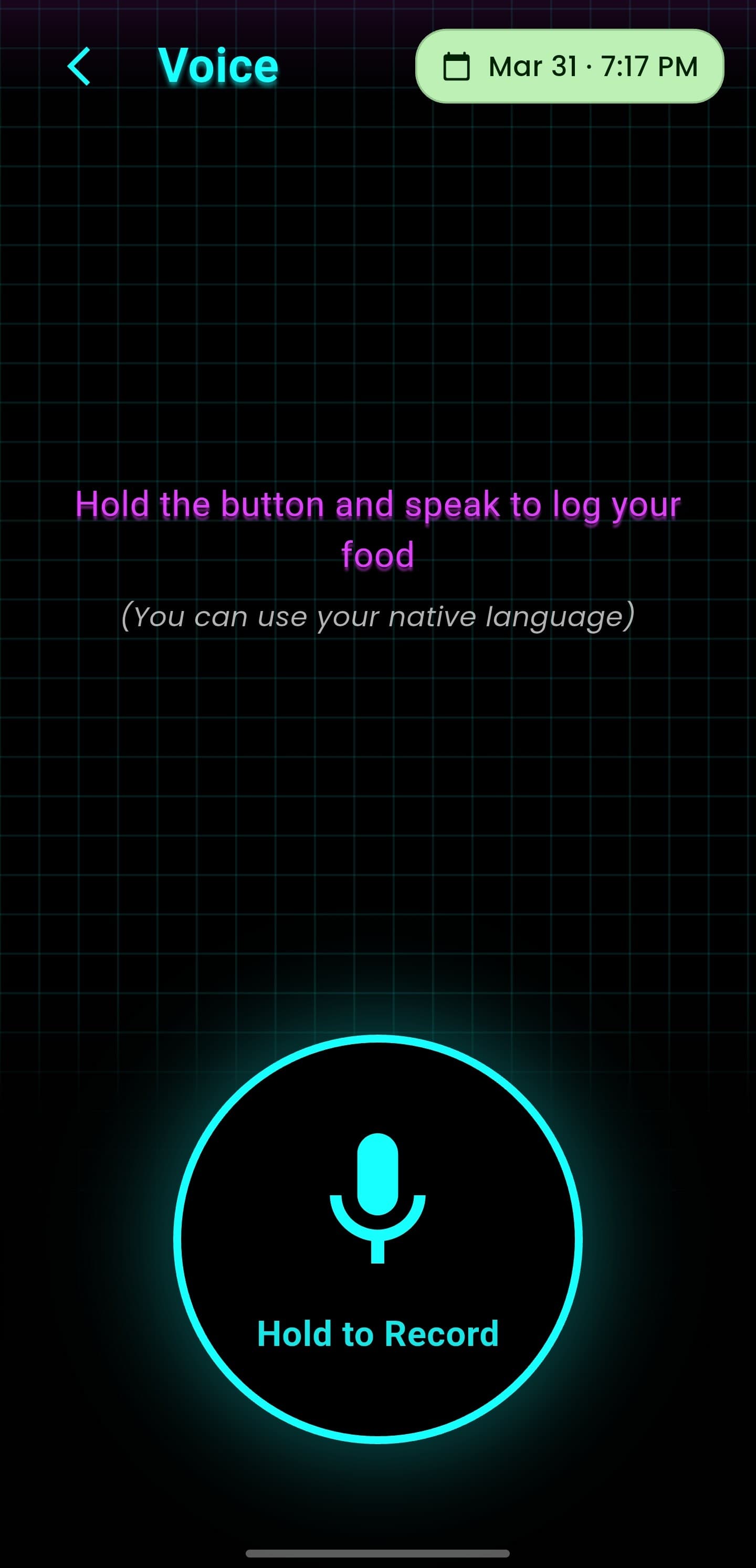
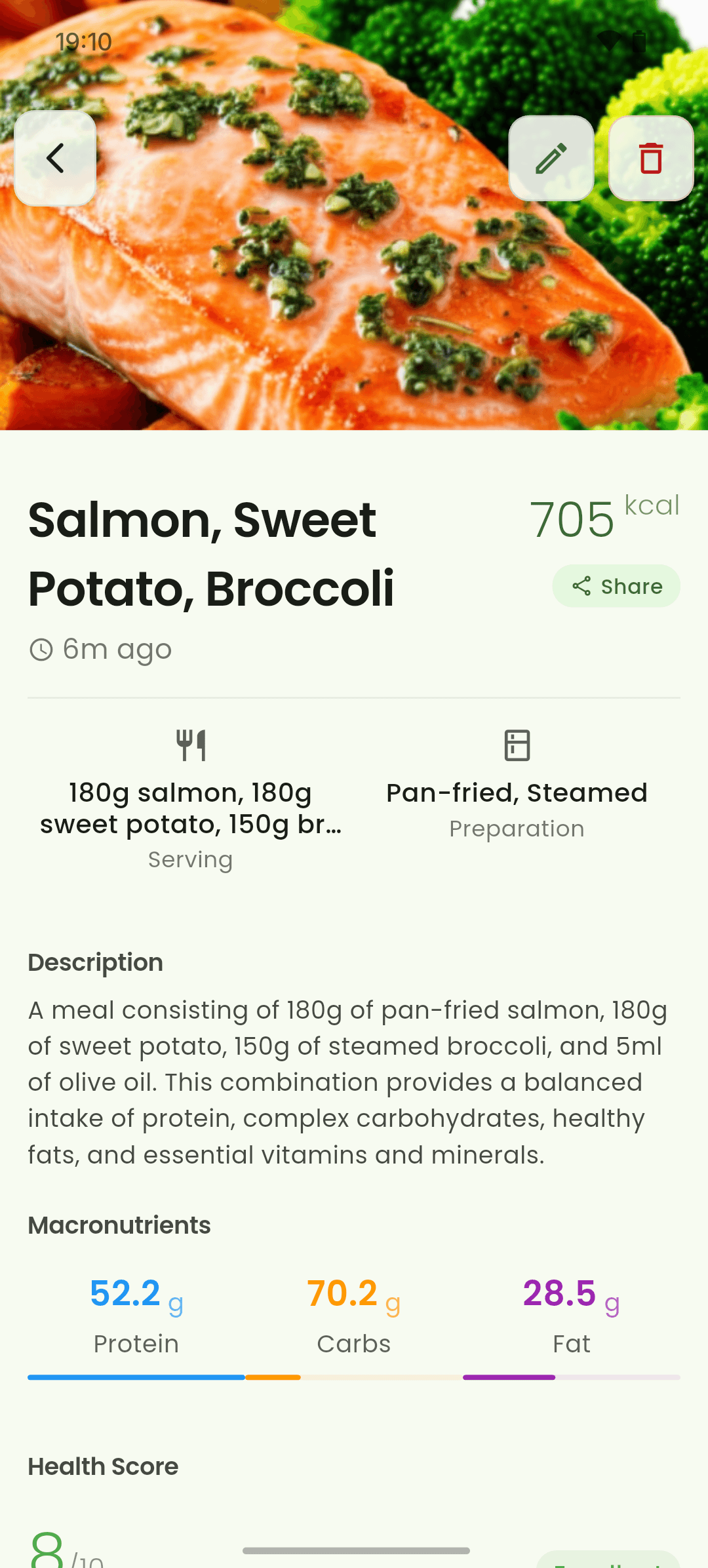
iOS and Android
iOS
- Available speech recognition languages depend on device and app support.
Android
- Available speech recognition languages depend on device and app support.
If something looks wrong
- If speech is incomplete, move to a quieter place or switch to text.
- Say units explicitly, such as cups, grams, slices, or tablespoons.
Keep learning
Still need a hand?
Tell us which step you reached and what you expected to happen. We will help you find the next move.
Contact support