
Move · Free and premium
Log and review symptoms
Record how you feel, compare timing with meals, and recognize when the app tells you to seek help.
Before you start
AI → Symptom Analyzer
Have ready
- Recent meal logs for food-timing context
Step by step
Walkthrough
- 01
Create a symptom entry
Describe the symptom by voice or form, choose its location when available, and record severity and timing.
- 02
Review the entry
Confirm the recorded description, time, duration, and severity before analysis.
- 03
Explore patterns
Use the overview, insight, and history areas to compare self-reported symptoms with recent meals and timing.
- 04
Follow safety guidance
Read red flags and seek-help conditions. Use urgent or professional care when warranted instead of relying on the app.
What you will see
These screens show the current app layout. Platform-specific labels and controls are noted below.
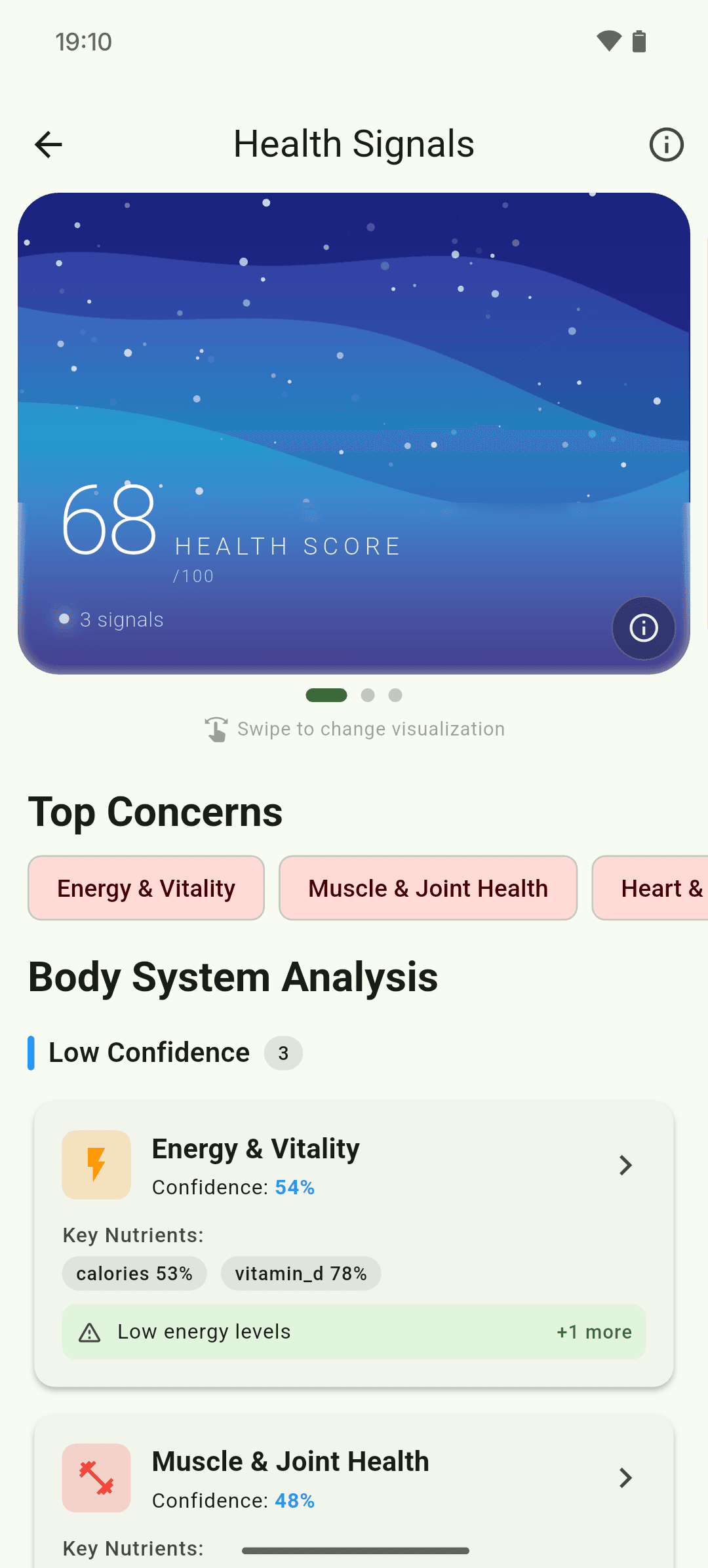
iOS and Android
iOS
- Symptom analysis is not a diagnosis and does not replace medical care.
Android
- Symptom analysis is not a diagnosis and does not replace medical care.
If something looks wrong
- Use specific timing and severity for more useful history.
- Do not delay emergency care while entering or reviewing symptoms.
Keep learning
Still need a hand?
Tell us which step you reached and what you expected to happen. We will help you find the next move.
Contact support