
Manage · Free and premium
Manage privacy, feedback, support, and account deletion
Find policies, contact support with useful context, and understand the difference between cancellation and deletion.
Before you start
Profile → Settings → About or account controls
Have ready
- Sign in to manage account-specific data
Step by step
Walkthrough
- 01
Use Help before contacting support
Search the Help Center for the feature or error. Keep the app version and platform available.
- 02
Send feedback or contact support
Use Send Feedback for product ideas or Contact Us for account and technical help. Include steps to reproduce without sharing passwords or tokens.
- 03
Review privacy information
Open the Privacy Policy to understand stored data, service providers, retention, and your choices.
- 04
Separate cancellation from deletion
Cancel renewal through the app store. Use Delete Account only when you intend to remove the CalorieGram account and associated data under the stated policy.
What you will see
These screens show the current app layout. Platform-specific labels and controls are noted below.
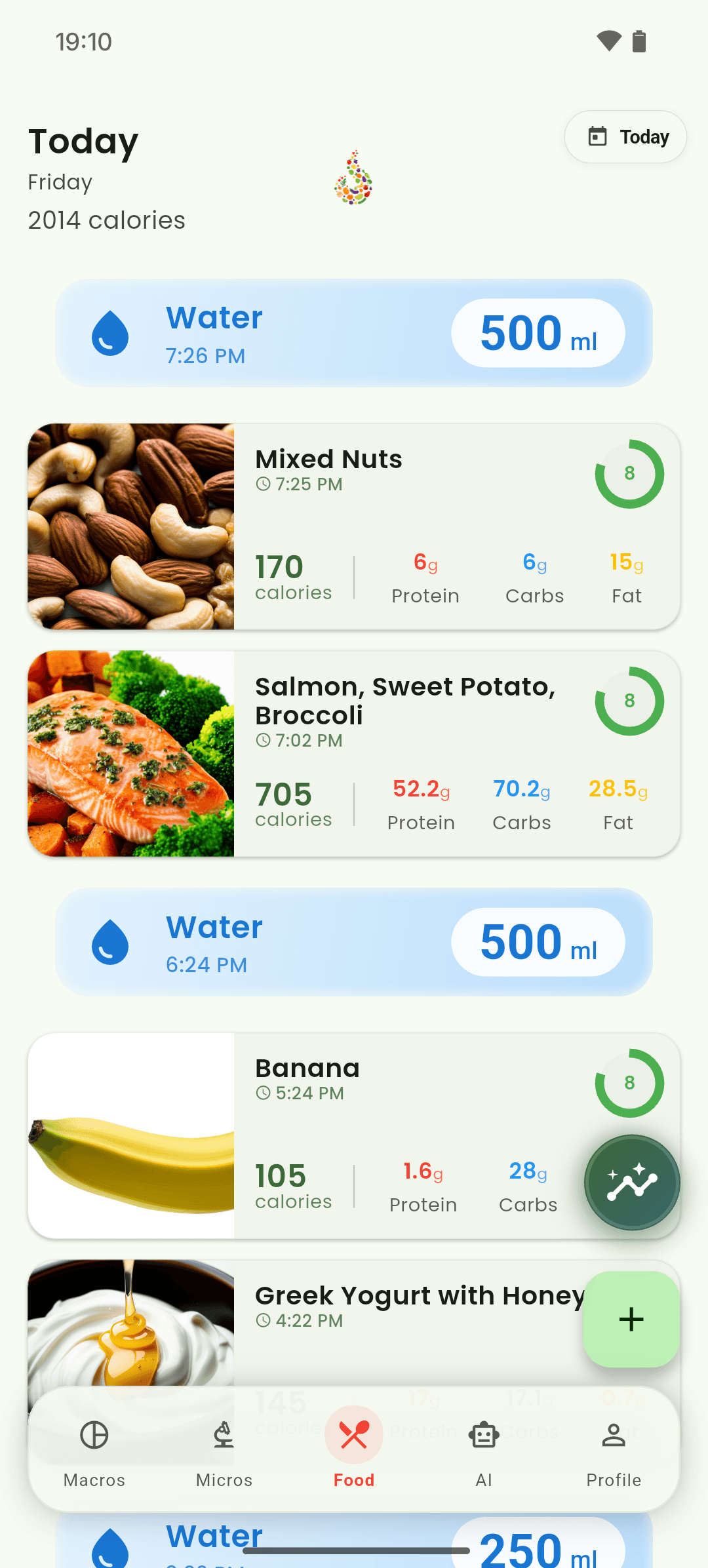
iOS and Android
iOS
- Never send a password, API token, full payment credential, or unrelated health information to support.
Android
- Never send a password, API token, full payment credential, or unrelated health information to support.
If something looks wrong
- If the email app does not open, write directly to support@caloriegram.ai.
- Deleting the app from a device does not cancel a subscription or delete the account.
Keep learning
Still need a hand?
Tell us which step you reached and what you expected to happen. We will help you find the next move.
Contact support