
Plan · Free and premium
Use What Should I Eat? and What’s Next
Get food ideas for the current moment and a timed action plan based on your saved profile and logged day.
Before you start
AI → What Should I Eat? or What’s Next
Have ready
- Saved dietary preferences
- Current goals and recent food logs
Step by step
Walkthrough
- 01
Choose the kind of help
Use What Should I Eat? for food picks now. Use What’s Next for a broader timed plan across the day.
- 02
Review the inputs
Check that the selected time, preferences, restrictions, and recent food data match your situation.
- 03
Read why an item was suggested
Compare the recommendation with your nutrient gaps, goals, pantry, and dietary requirements.
- 04
Act, dismiss, or refresh
Use a relevant suggestion, mark an action complete where available, or request another set when it does not fit.
What you will see
These screens show the current app layout. Platform-specific labels and controls are noted below.
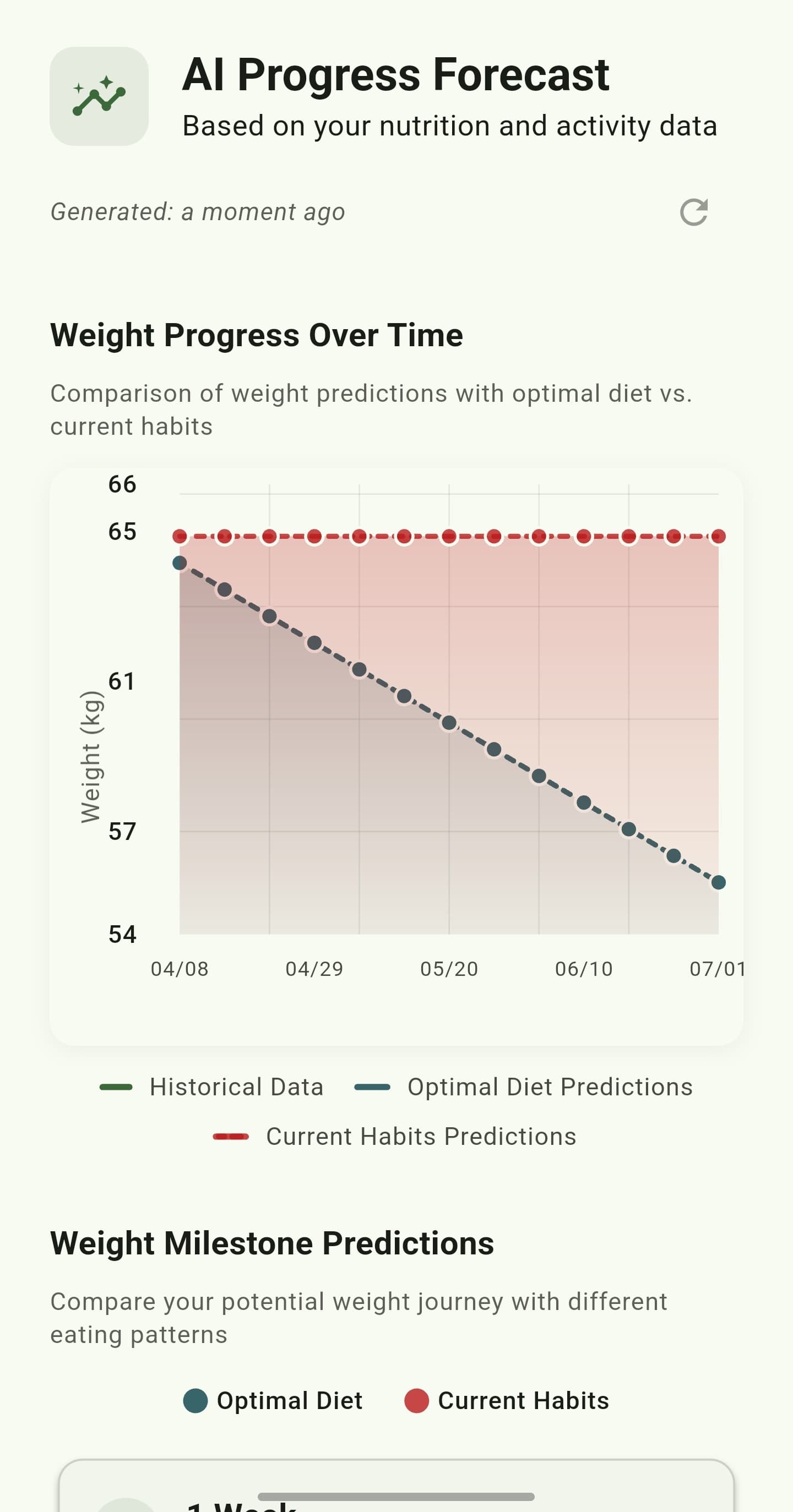
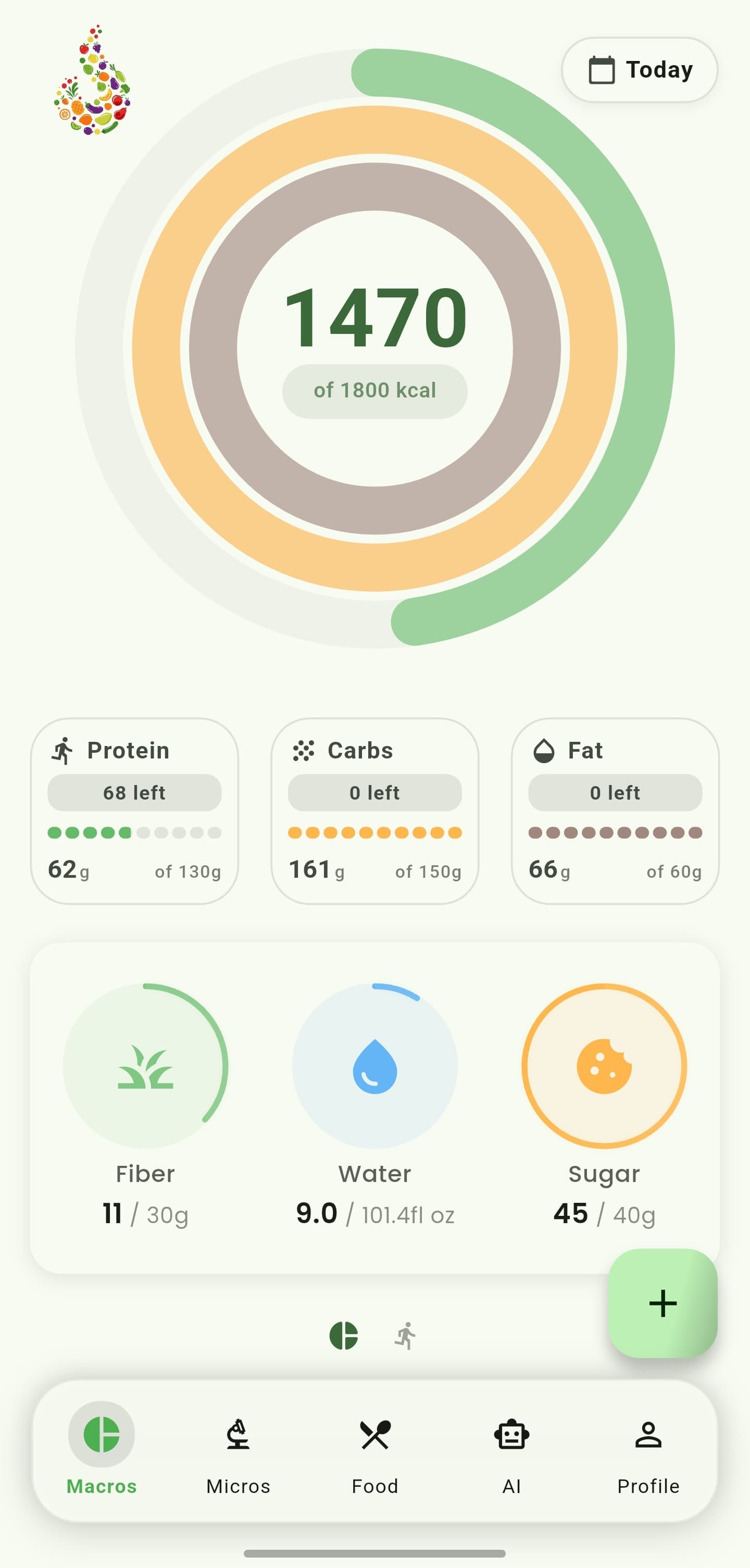
iOS and Android
iOS
- Suggestions are educational and should be checked against medical or allergy requirements.
Android
- Suggestions are educational and should be checked against medical or allergy requirements.
If something looks wrong
- Update your dietary profile if an unsafe or irrelevant item appears.
- If no safe match is available, CalorieGram may show no recommendation rather than guess.
Keep learning
Still need a hand?
Tell us which step you reached and what you expected to happen. We will help you find the next move.
Contact support